Info
Info is a short list of topics that your event publishes, for example Wi-Fi details, parking, or a code of conduct. Each topic opens its own page.
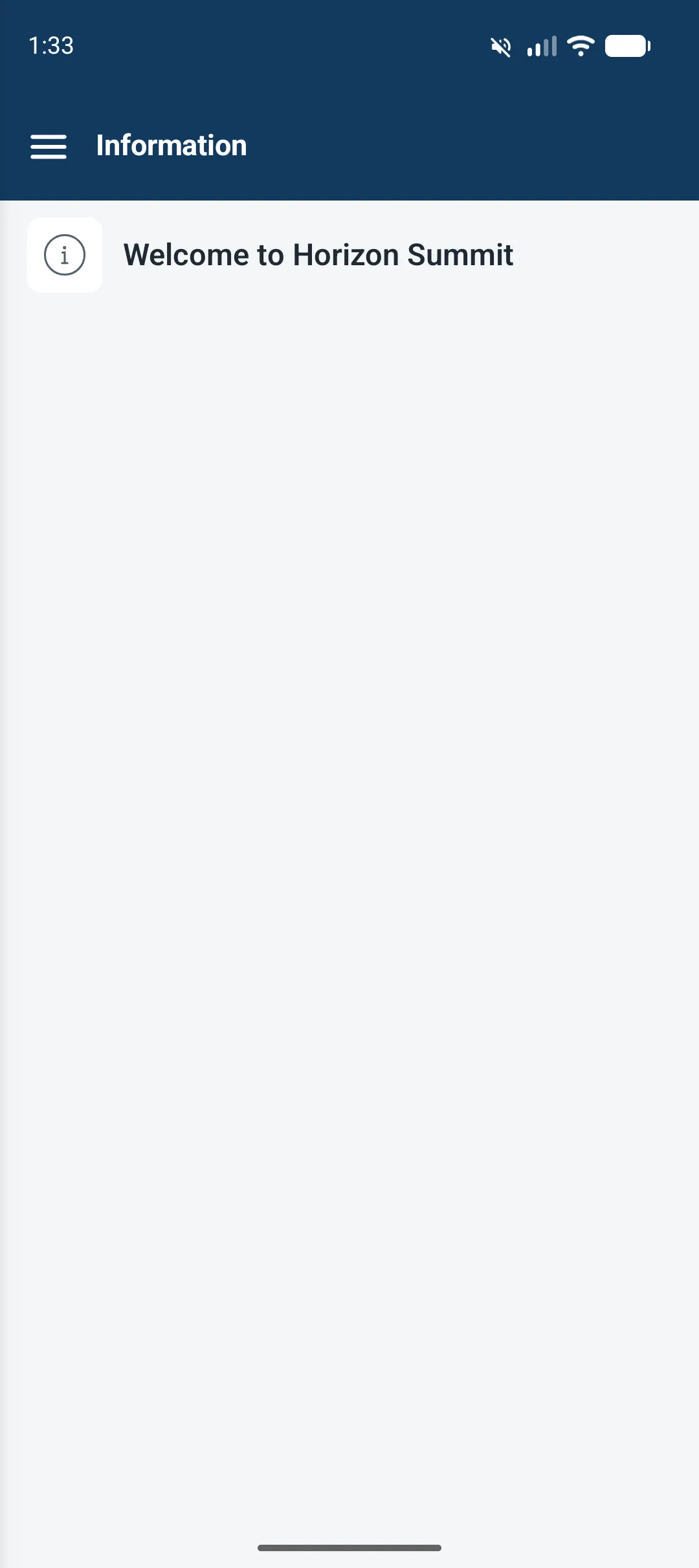
Find a topic
The list shows each topic with its icon and its name. Your event sets the order of the topics. The list has no search.
Your event can have more than one Info list, for example one for the venue and one for travel. Each list shows in the menu with its own name and its own topics.
Read a topic
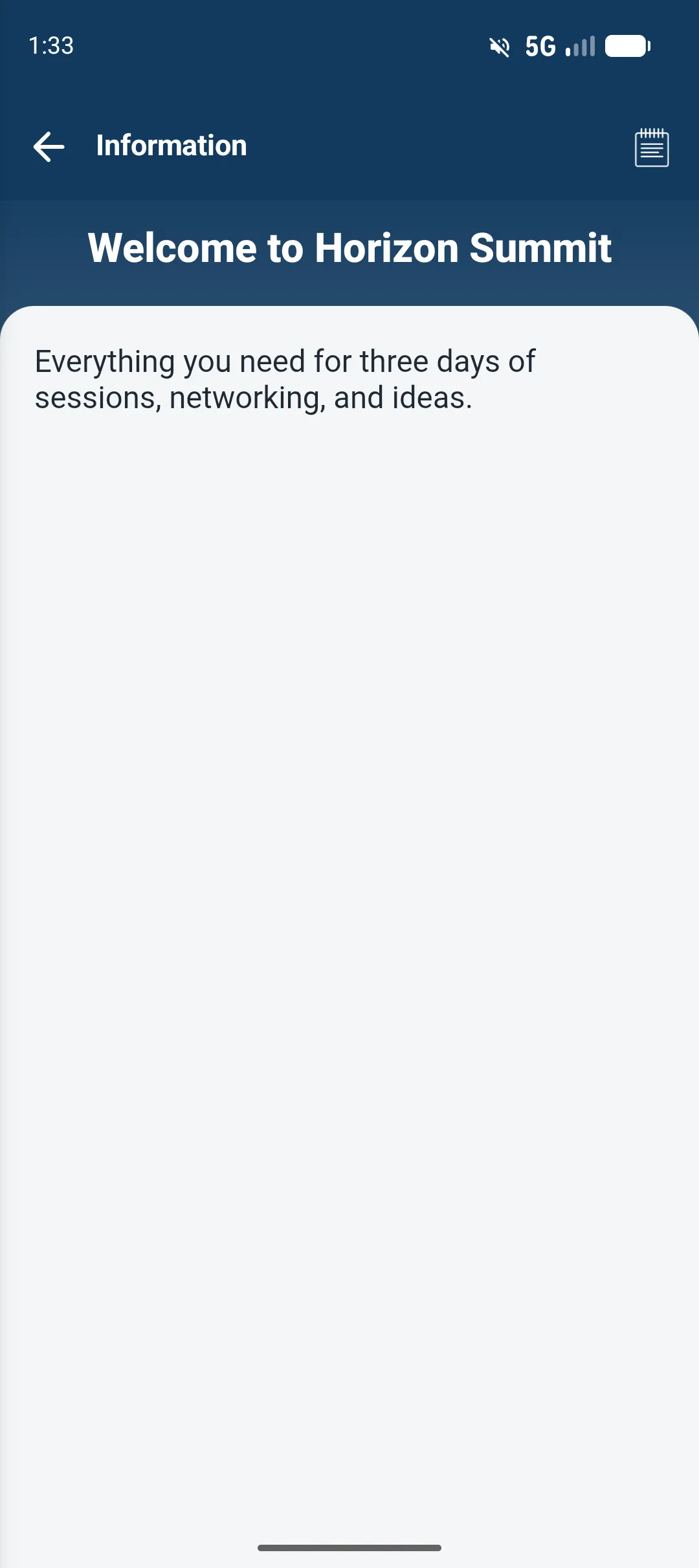
Tap a topic in the list. Its page shows the name of the topic at the top, and the content that your event adds under it. Tap the back arrow to go back to the list.
The content can include details from your attendee profile, for example your name or your organization. If you are not logged in, or you do not have an attendee profile, these details are empty. In these details, web addresses, email addresses, and phone numbers are links.
Open a link in a topic
A topic can have links. Tap a link:
- A link to another part of the app opens that part of the app.
- A link to a web page opens in a browser tab over the app. Close it to go back to the topic. When your device has no browser, the app shows Sorry, there is not an Internet browser available to open this link at the bottom of the screen.
- An email, phone, or text message link opens the app on your device that can do it, for example your email app. When no app on your device can do it, nothing happens.
Write a note about a topic
If your event uses notes, a notes button shows at the top right of the topic page. Tap it to write a note about the topic. See Notes.
When there are no topics
If the list has no topics, it shows No information yet and Details will appear here once they’re published.
If a link opens a topic that is no longer in the event, the screen shows Information not found. Tap the back arrow to go back.
What you might not see
Your event controls these items:
- The feature itself, and its name.
- The topics in each list, their order, their icons, and their text.
- How many Info lists show in the menu, and the name of each one.
- The notes button. It shows only when your event uses notes.