Maps
Maps shows the maps of the event, for example a floor plan of the venue. Pins on a map show the rooms and booths.
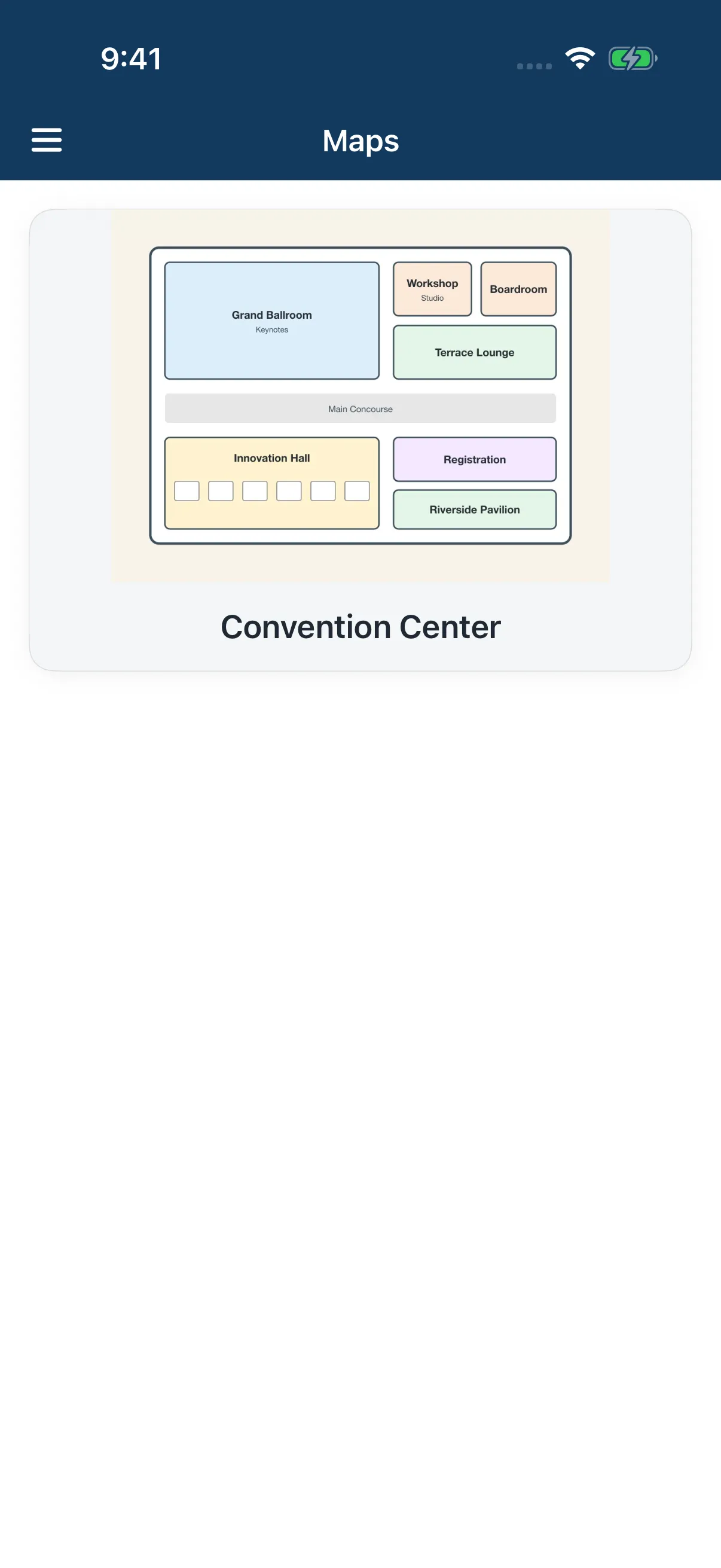
Open a map
- Open Maps. The list shows each map with a preview above its name.
- Tap a map. The map opens, with its name at the top of the screen.
Pinch to zoom in or out. Drag to move around the map.
In portrait, the map opens on the full screen. Tap the back button to go back to the list.
If the list has no maps, it shows No maps yet and Maps will appear here once they’re added.
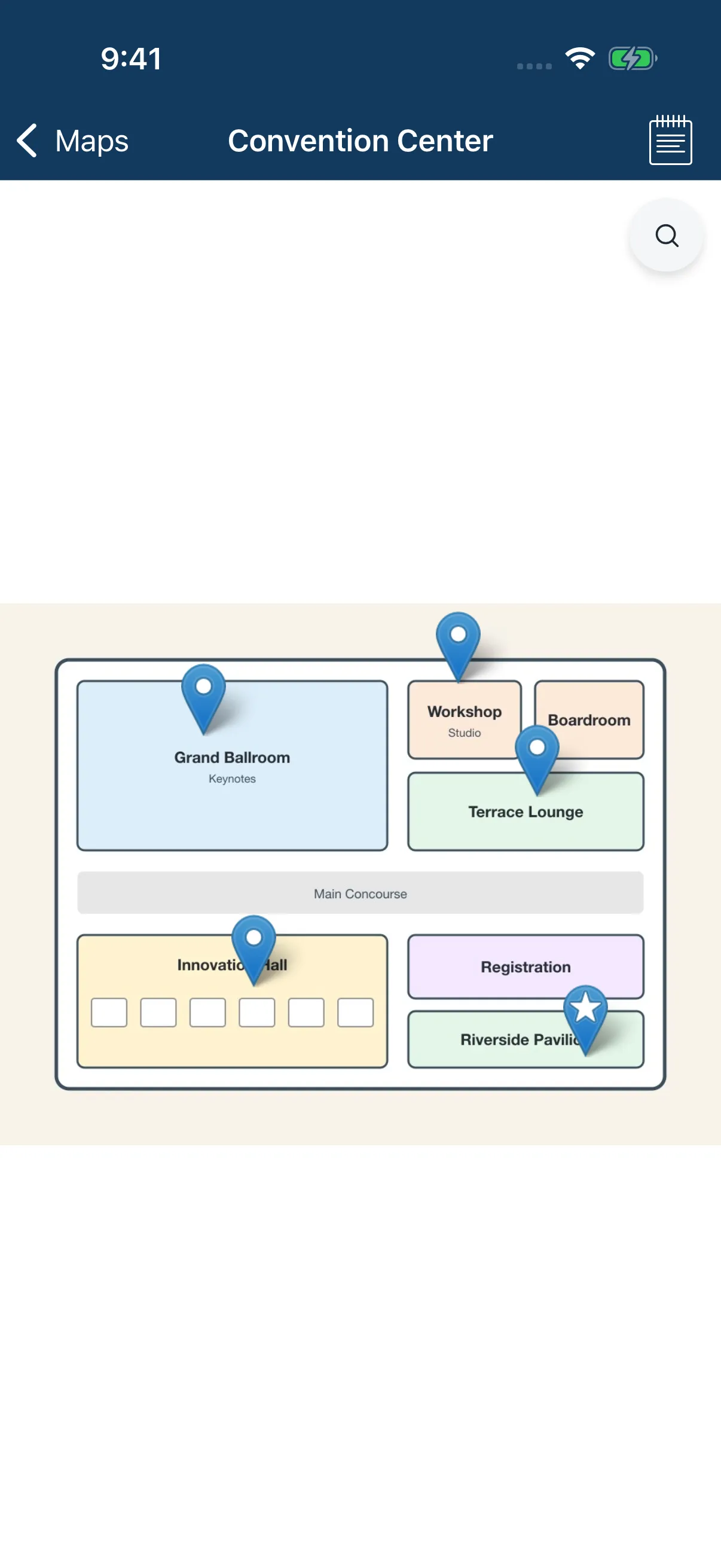
See what a pin shows
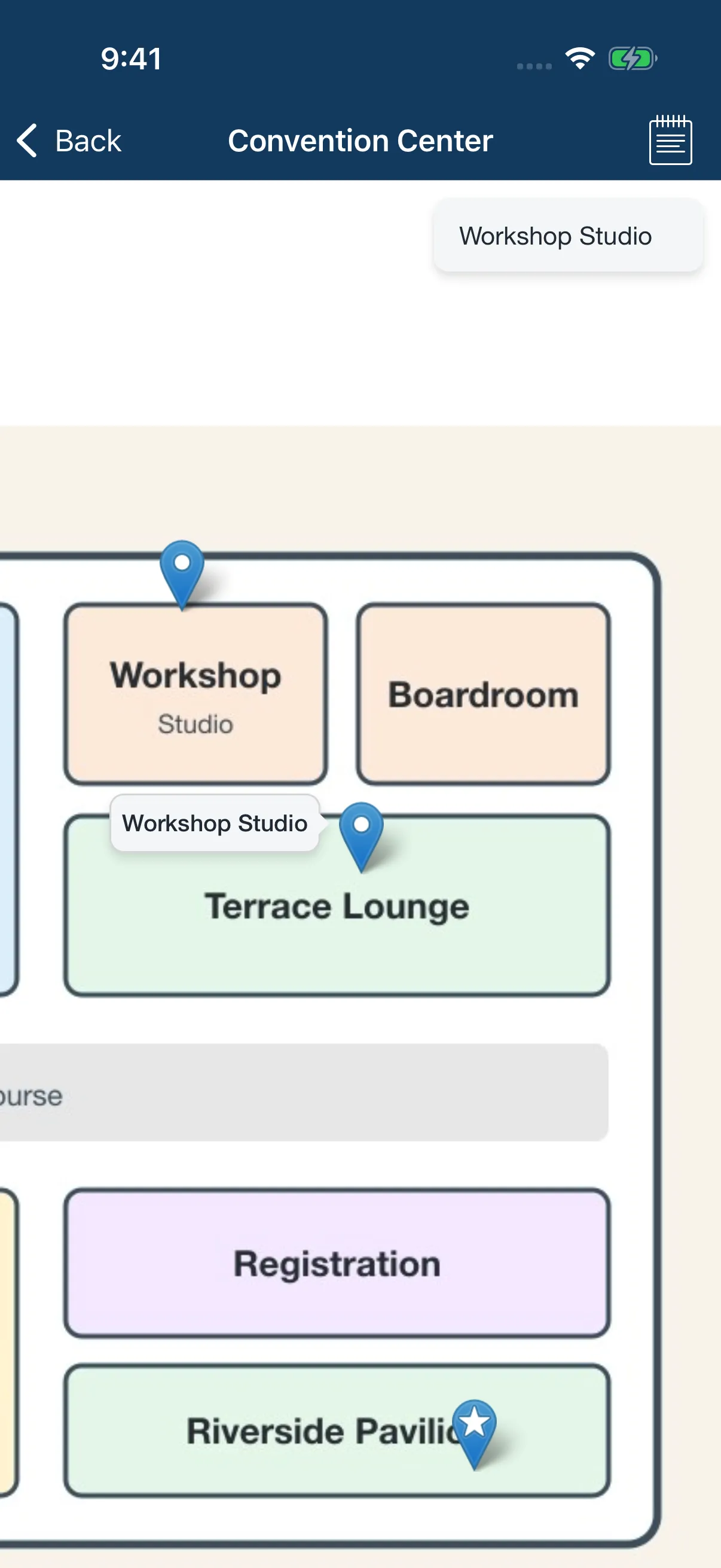
Tap a pin. A label shows the name of the place. The map moves to the pin, and the search box shows the name of the place.
When an exhibitor has a booth at the place, the label also shows the exhibitor’s logo and name, and (tap to view). Tap the label to open the exhibitor’s profile. See Showcase. When more than one exhibitor is at the place, the label shows only one of them.
A pin with a star shows an exhibitor that you added to your favorites.
Find a place on a map
- Tap the search button at the top right of the map. A search box opens, with a list of the places on the map.
- Type a name. The list shows the places whose name, or the name of the exhibitor there, contains your text. Capital letters, spaces, and punctuation do not matter.
- Tap a place in the list.
The map moves to the place’s pin and shows its label. When your text matches only one place, or matches a name exactly, the map moves to that place by itself.
To close the list, tap the map outside the search box.
See where a session takes place
A session has a Location section when your event gives it a room. When the room is on one of the event’s maps, the first card shows the room’s name and the name of the map.
- Open a session. See Agenda.
- Under Location, tap the card that shows the name of the map.
The map opens. When the room has a position on the map, the map moves to its pin and shows its label, and the search box shows the room’s name. When the room has no position, the map opens with no label shown.
When the room has a street address, a card with the address shows under the map card. Tap it to open the address in Apple Maps.
The same cards show on an exhibitor’s profile, for the location of the booth.
Write a note about a map
If your event uses notes, a notes button shows at the top of the map. Tap it to write a note about the map. See Notes.
What you might not see
Your event controls these items:
- The feature itself, and its name.
- The maps, their order, and their previews.
- Whether a map is a floor plan or a street map.
- The places that have a pin on a map.
- The exhibitors that show in a pin’s label.
- The rooms of the sessions, whether a room is on a map, and the street address of a room.
- The notes button. It shows only when your event uses notes.